Quality Custom Book Printing for Authors,Publishers and Creators - SeSe Printing


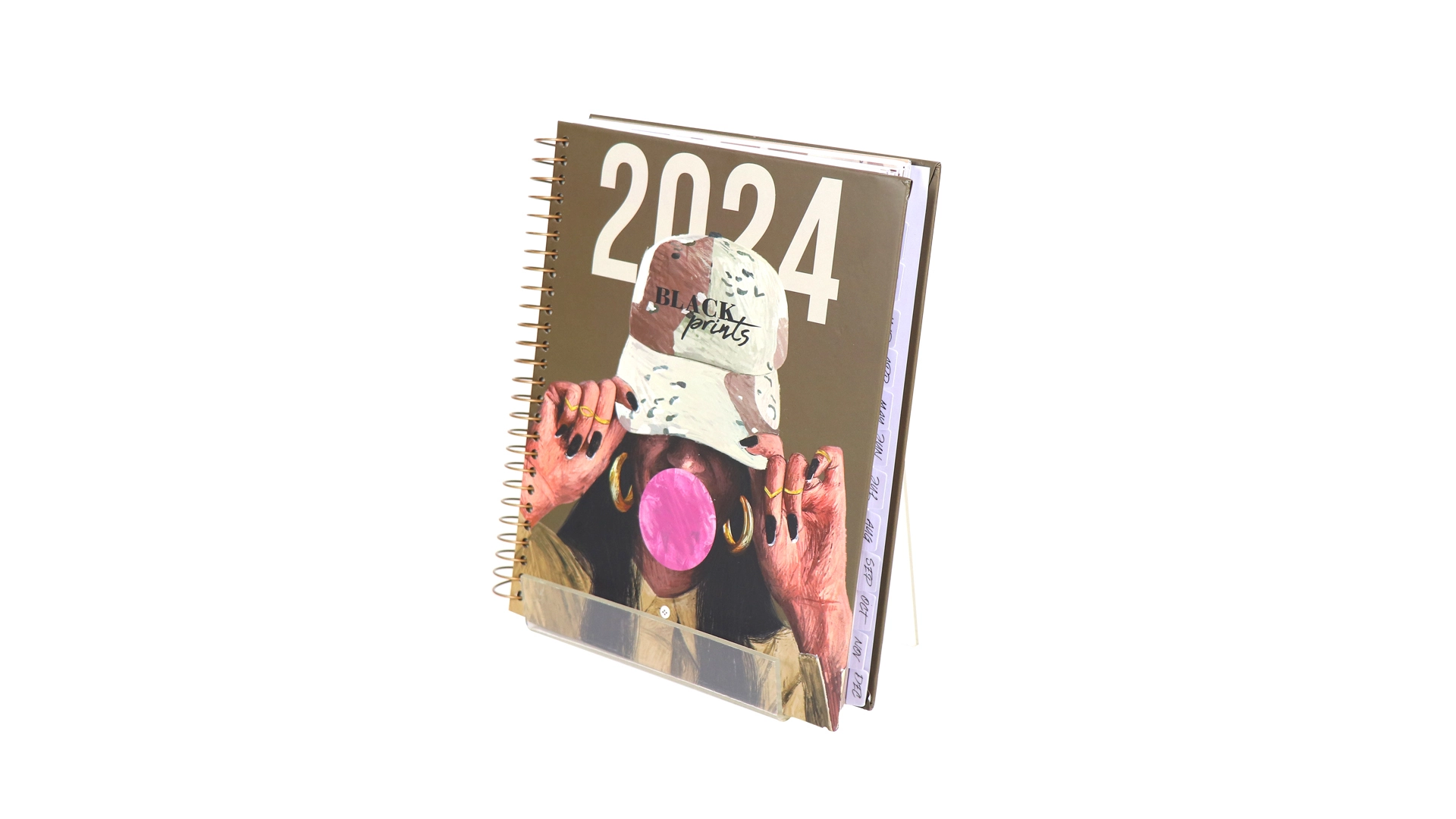
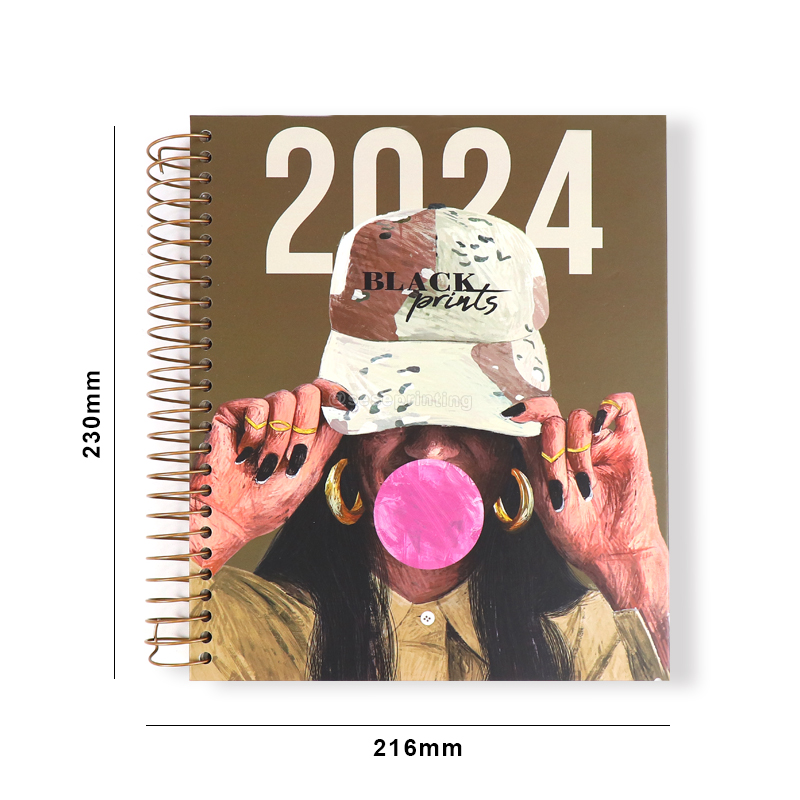
Spiral Notebooks Printing Weekly Planner with Customized Sticker
You can create a weekly planner with stickers that is not only functional but also visually appealing. Adapt the process based on your specific requirements and preferences.
Spiral Notebooks Printing Weekly Planner with Customized Sticker
| Product Name | Weekly Planner | |||
| Material | Art paper, kraft paper,coated paper, white or grey paper, silver or gold card paper, special paper etc. | |||
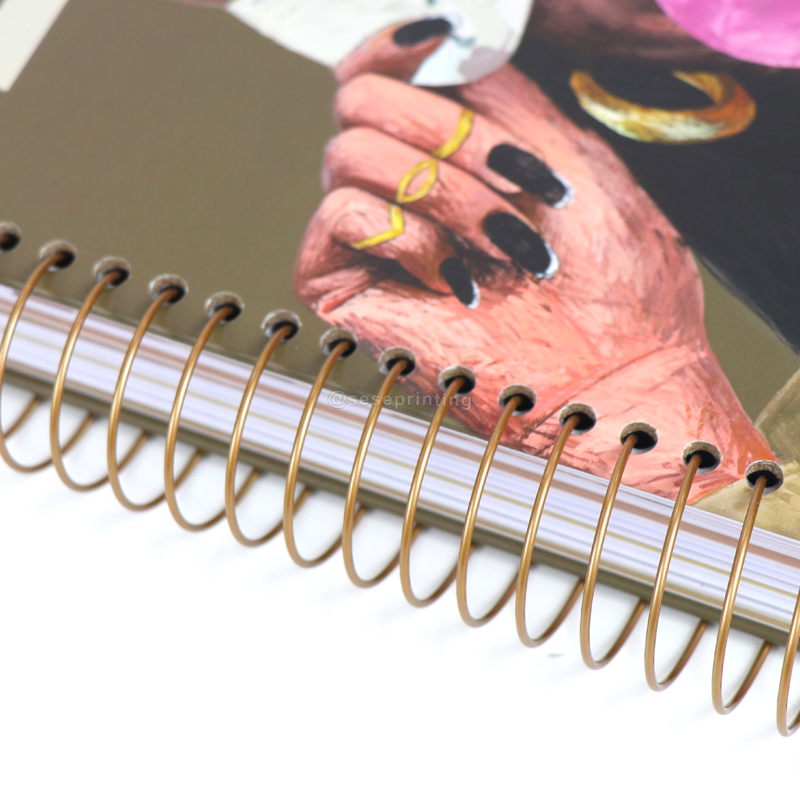
| Binding | Wire-o binding, spiral binding, hidden wire-o binding, hardcover binding, perfect binding, section stitching binding, saddl stitching binding, disc bound binding, binder binding | |||
| Certification | ISO9001, FSC | |||
| Design | From Clients,OEM | |||
| Size | Decided by Client | |||
| Printing | CMYK or Pantone | |||
| Artwork Format | AI, PDF, ID, PS, CDR | |||
| Finishing | Gloss or Matt Lamination, Gold Foil Stamping, Emboss, Deboss and more | |||

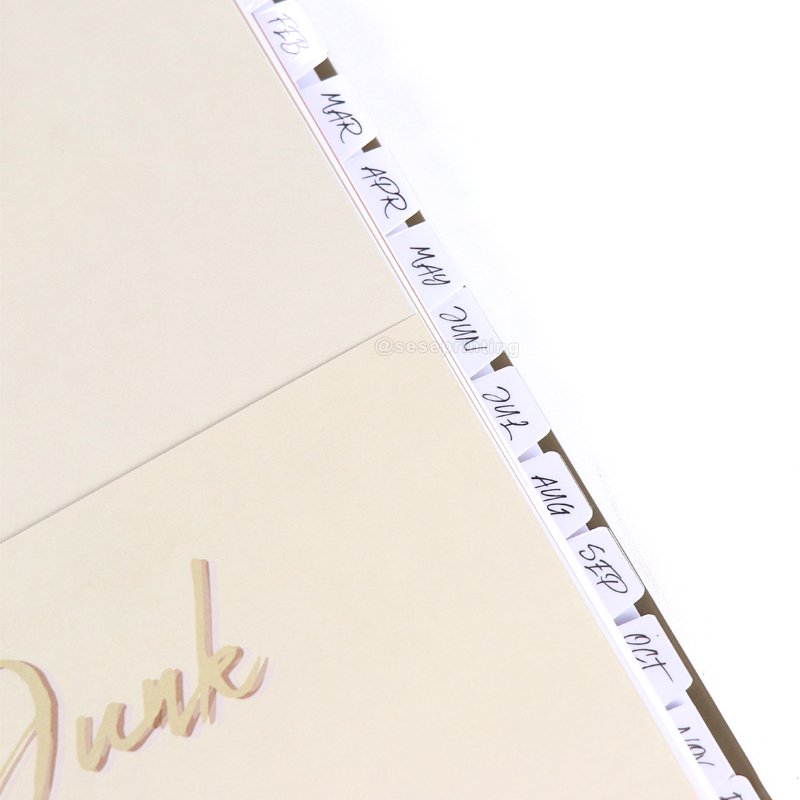
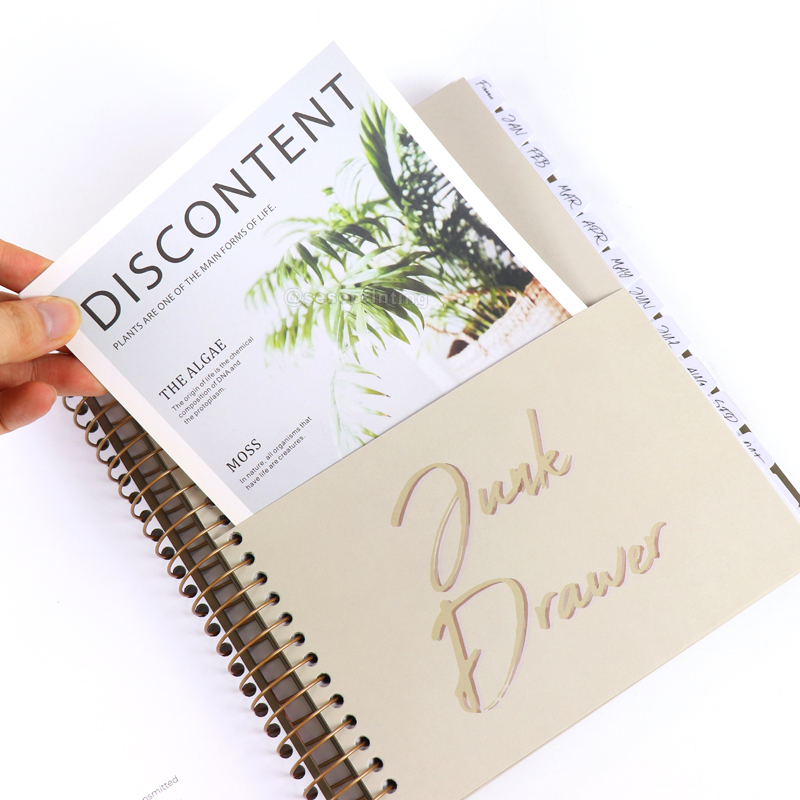
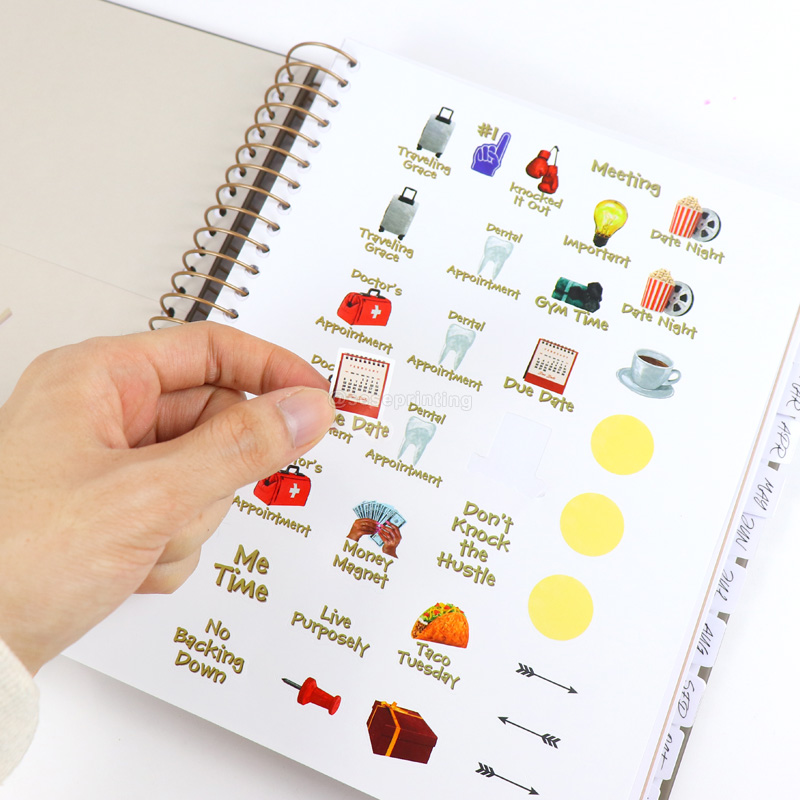
Creating a weekly planner with stickers involves a combination of designing the layout, printing, and incorporating adhesive stickers. Here's a step-by-step guide to help you through the process:
Designing the Weekly Planner:
Use graphic design software to create the layout of your weekly planner. Include sections for each day of the week, space for notes, and any additional features you want.
Consider the overall size of the planner and the size of each daily section to ensure it's practical for use.
Sticker Design:
Design stickers that will enhance the functionality or aesthetics of the planner. These stickers could include icons for different activities, labels, or decorative elements.
Ensure the stickers are appropriately sized for the planner and have a cohesive design that complements the overall aesthetic.
File Preparation:
Prepare separate files for the weekly planner and the stickers. Ensure that the design files are in the correct format and resolution for printing.
Choosing Printing Method:
Decide on the printing method for both the planner and the stickers. Common options include digital printing or offset printing, depending on the quantity and complexity of the design.
Paper Selection:
Choose a high-quality paper for the planner that is suitable for writing. For stickers, you may opt for adhesive paper that allows easy application and removal.
Printing the Planner:
Print the weekly planner pages using the chosen printing method. Ensure that the printing process accommodates the layout and design you've created.
Printing the Stickers:
Print the sticker sheets separately. Make sure the stickers are well-cut, and the adhesive backing is properly applied to facilitate easy peeling.
Cutting and Binding:
Cut the planner pages to the desired size. If you're creating a bound planner, proceed with the binding process. Coil binding or saddle stitching are common methods for planners.
Trim the sticker sheets to fit the planner pages if needed.
Assembling the Planner:
Integrate the stickers into the planner. You may choose to dedicate a specific section for stickers or provide space on each weekly spread.
Quality Control:
Inspect the printed materials for any issues such as misprints or cutting errors. Ensure that stickers adhere properly and can be removed without damaging the planner pages.
Packaging:
If you plan to sell or distribute the planners, consider packaging options that protect the product during transportation and display the planner attractively.
E-mail: sales01@seseprinting.com
Mobile phone: +86-13570912663
WhatsApp: 008619066781165
Tel: +86-020-34613569
Add: 702 No. 21 Huizhong Road, Shiqiao St, Panyu District. Guangzhou city, Guangdong Province. China